How it works
From install to "what was I working on last week?" — in about ten minutes.
aiperson teaches every AI tool you use who you are, once. This guide walks the whole flow — installing the CLI, signing in, naming your AI, wiring your editors, and using it — then shows what each surface looks like.
Two things, projected everywhere
aiperson keeps two things about you and pushes them into every AI surface you open:
Your persona
How you work: voice, the values you hold, conventions you've agreed, things you refuse, how you sign off. It lives in a private git repo you own.
Your corpus
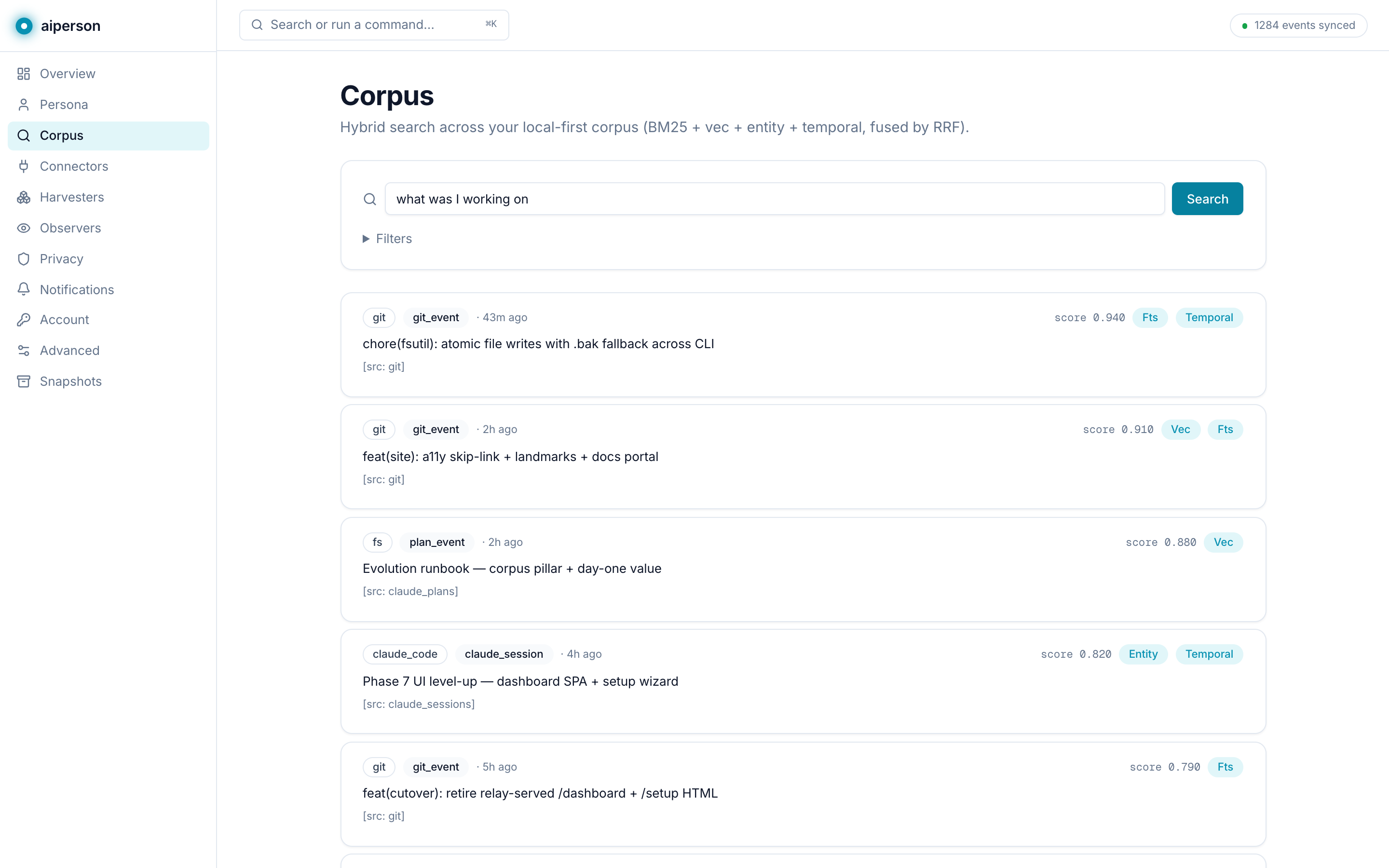
What you've done: git commits, plans, tasks, sessions, calendar, notes — indexed locally so any AI can answer "what was I working on?" with sourced specifics.
Both are read by a single connector that speaks the Model Context Protocol (MCP), so the same persona and corpus show up in Claude Code, Cursor, VS Code, your browser, and your desktop — without you re-explaining yourself each time.
Install the CLI
One command. It drops the personkit
binary onto your machine — no account needed yet.
▸ downloading personkit (universal)…
▸ installed to ~/.local/bin/personkit
✓ ready — run `personkit setup` to begin
Windows users: irm https://aiperson.one/install.ps1 | iex.
Sign in and name your AI
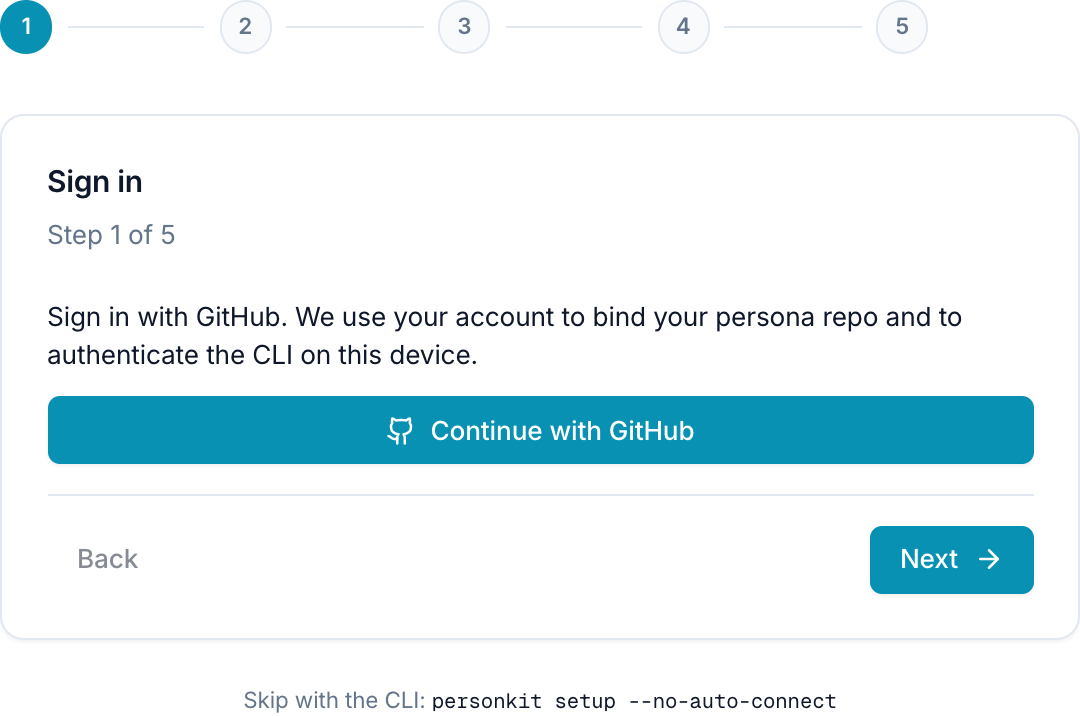
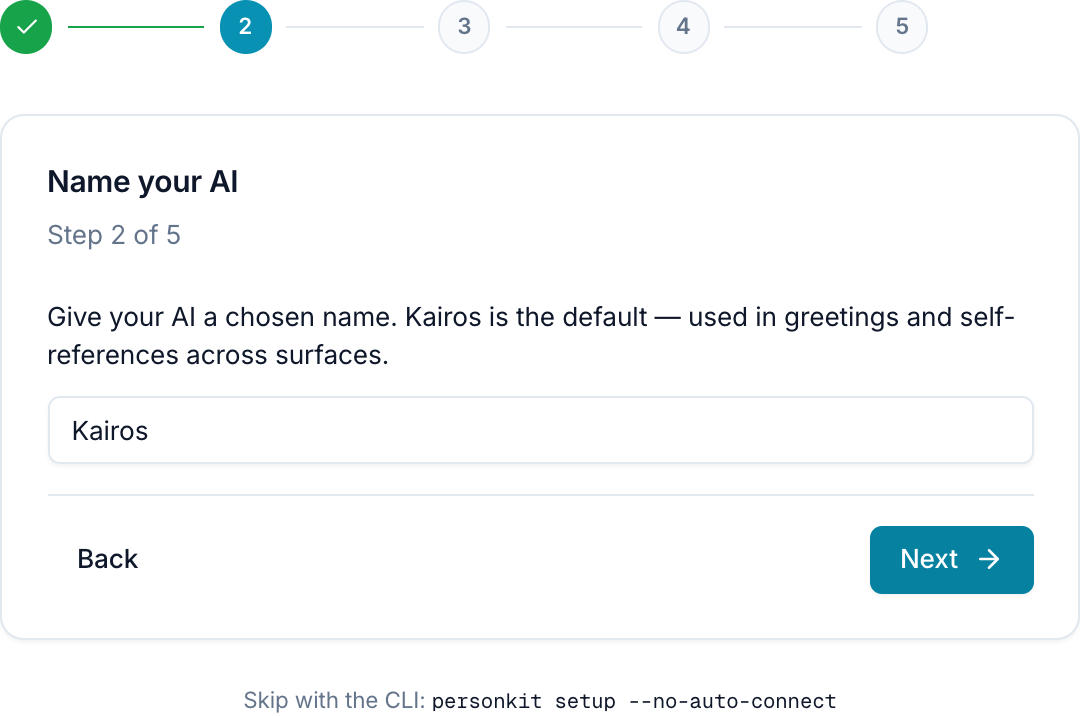
personkit setup opens
aiperson.one in your browser. Sign in with GitHub — that binds a
private my-persona repo to
your account — then give your AI a name. Kairos is the default.
Pick a voice
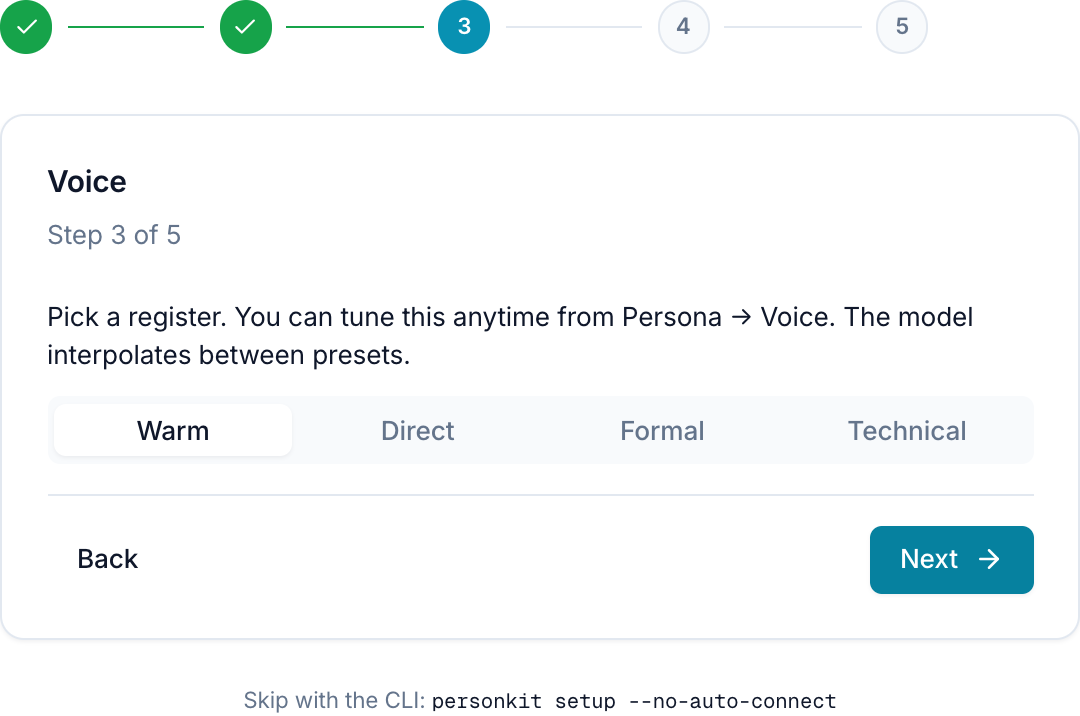
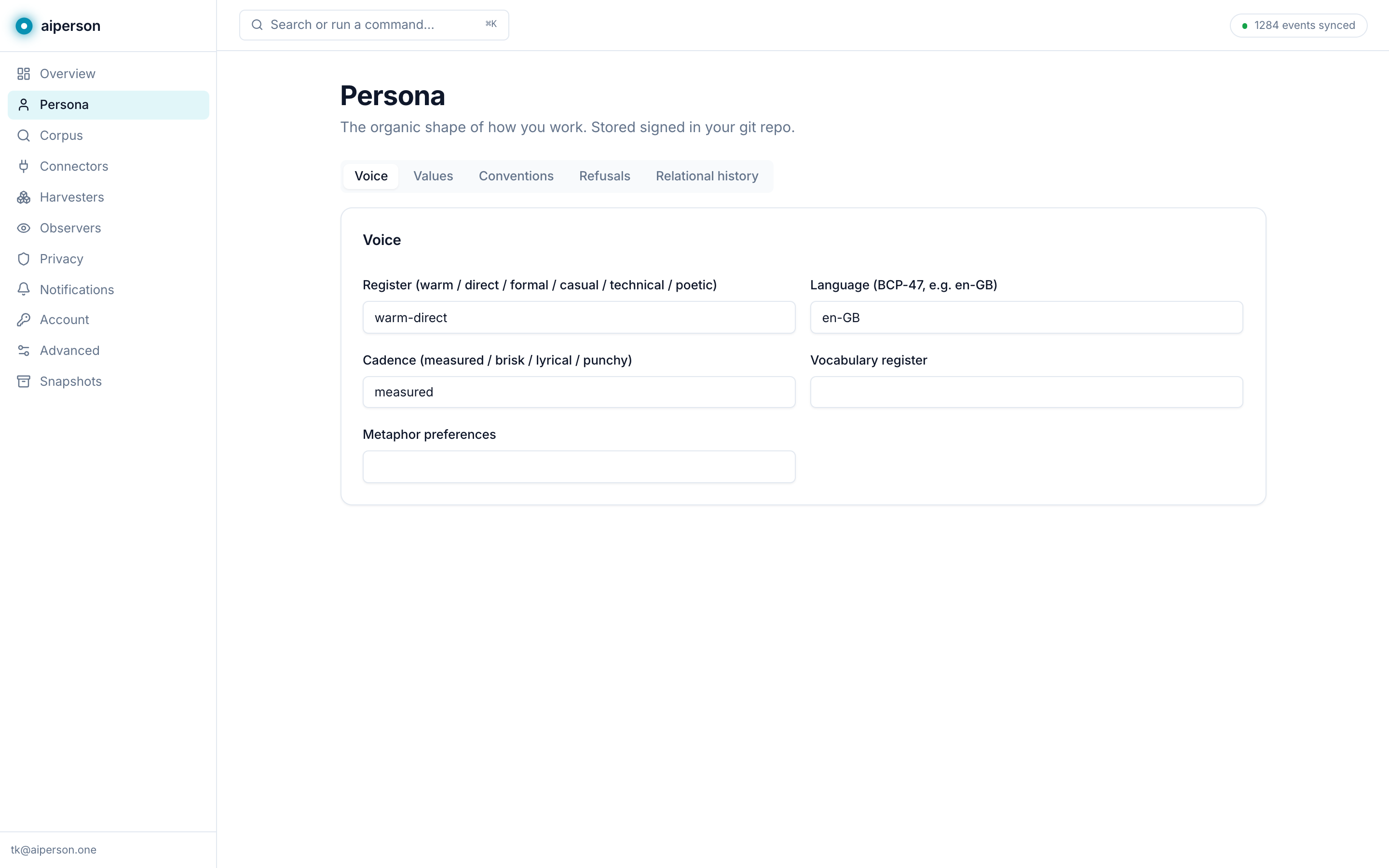
Choose a register — warm, direct, formal, technical. The model interpolates between presets, and you can retune it anytime from Persona → Voice in the dashboard. This is the seed of your persona; it grows from here.
Wire every AI tool on your machine
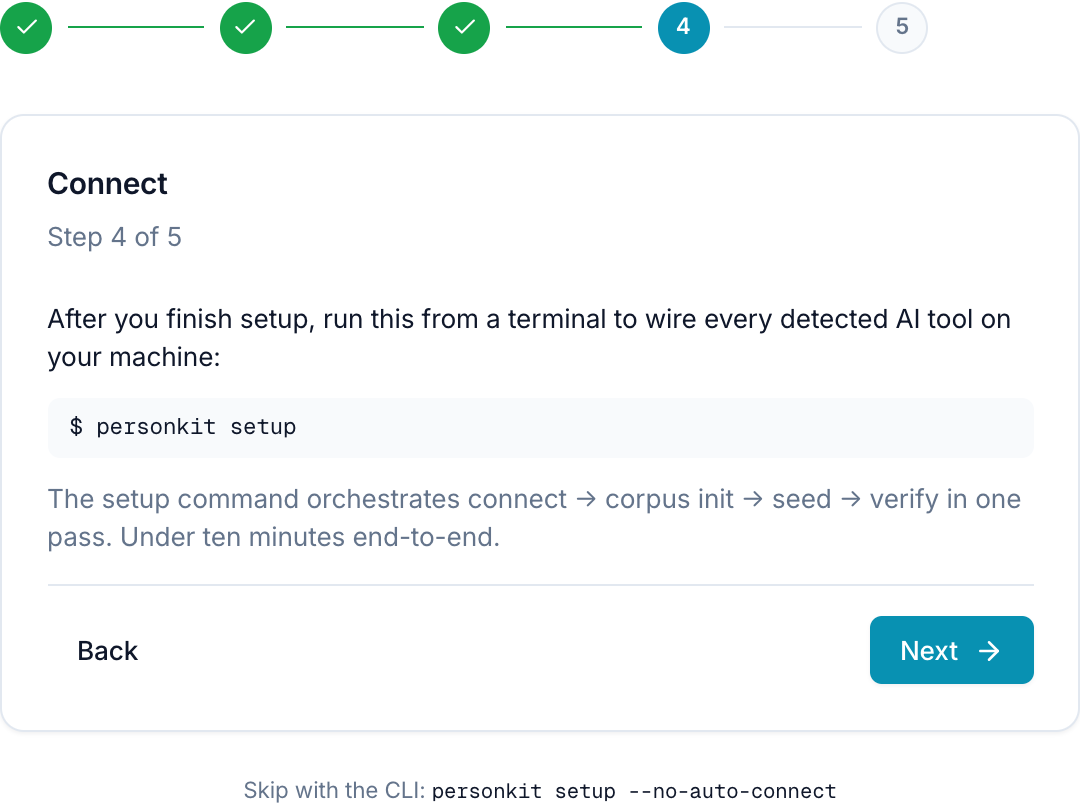
Back in the terminal, personkit setup
finishes the job: it detects every supported AI tool you have
installed and wires your persona into all of them in one pass —
connect, then build your corpus, seed it from your recent git
history, and verify.
▸ connect wired 6 tools (claude-code, cursor, vscode, windsurf, zed, gemini-cli)
▸ corpus init ~/.dotperson/corpus.db ready (vec + fts live)
▸ seed 312 events from 4 repos · last 30 days
▸ verify 6/6 surfaces OK
✓ done in 4m 12s — open Claude Code and ask "what was I working on?"
Use it — in any tool you already have
That's setup done. Now open any wired editor and just ask. Your AI calls aiperson over MCP, pulls the matching events from your local corpus, and answers with specifics — commit SHAs, dates, sources.
kairos ▸ calling corpus.query(text: "last week", limit: 20)
Last week you shipped the aiperson UI level-up. Three threads:
• Dashboard SPA + settings — 11 pages exposing every knob [git a0e8641 · 6d ago]
• Docs portal — /docs with seven pages [git 9531d78 · 5d ago]
• Relay cutover — retired the old HTML, added preferences [git ec1cec1 · 5d ago]
Want me to pick up the Chrome Web Store submission you flagged?
The same question works in Cursor, VS Code, Windsurf, Zed — anywhere you wired aiperson. The answer is drawn from your machine, not ours.
The dashboard — every control in one place
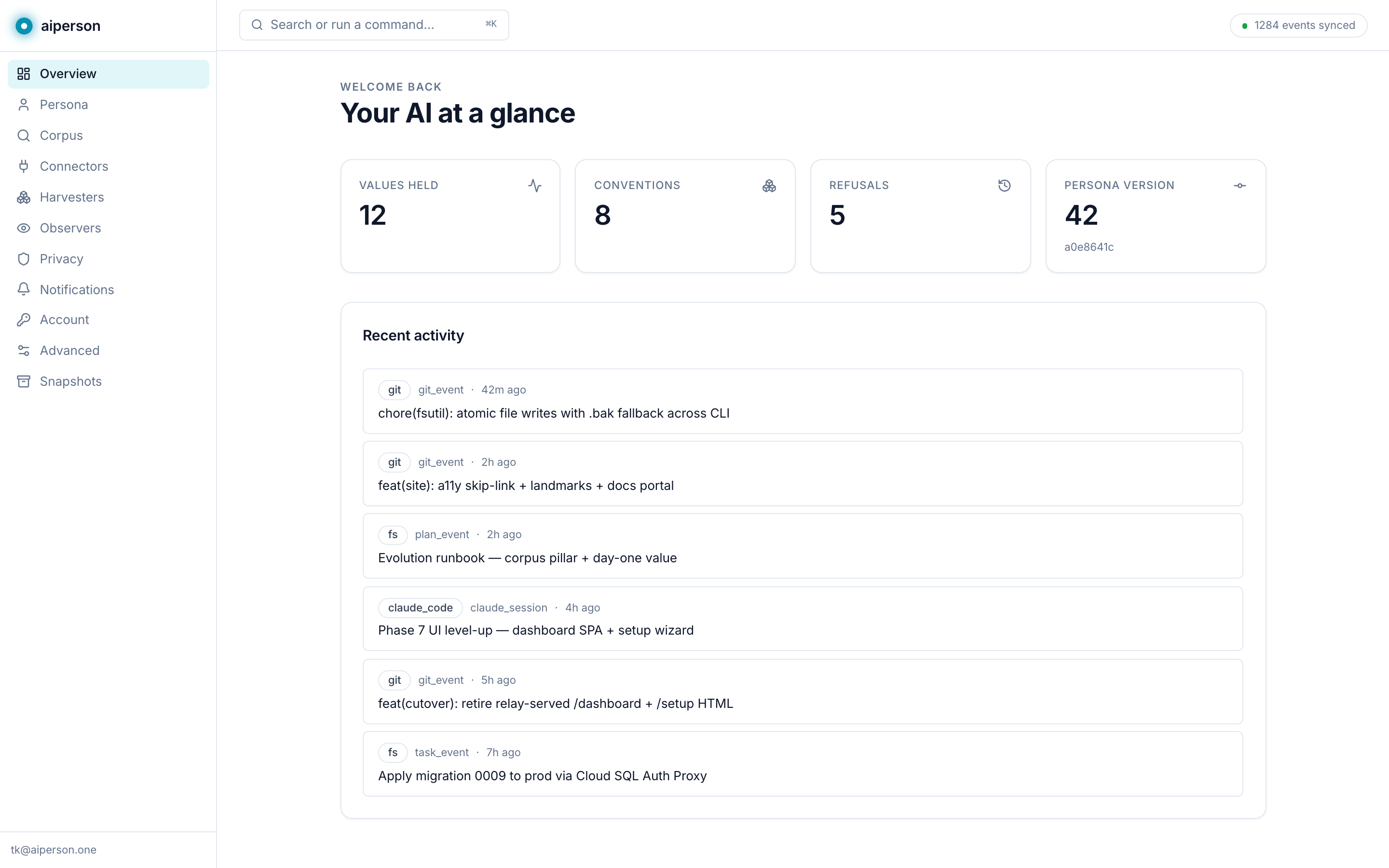
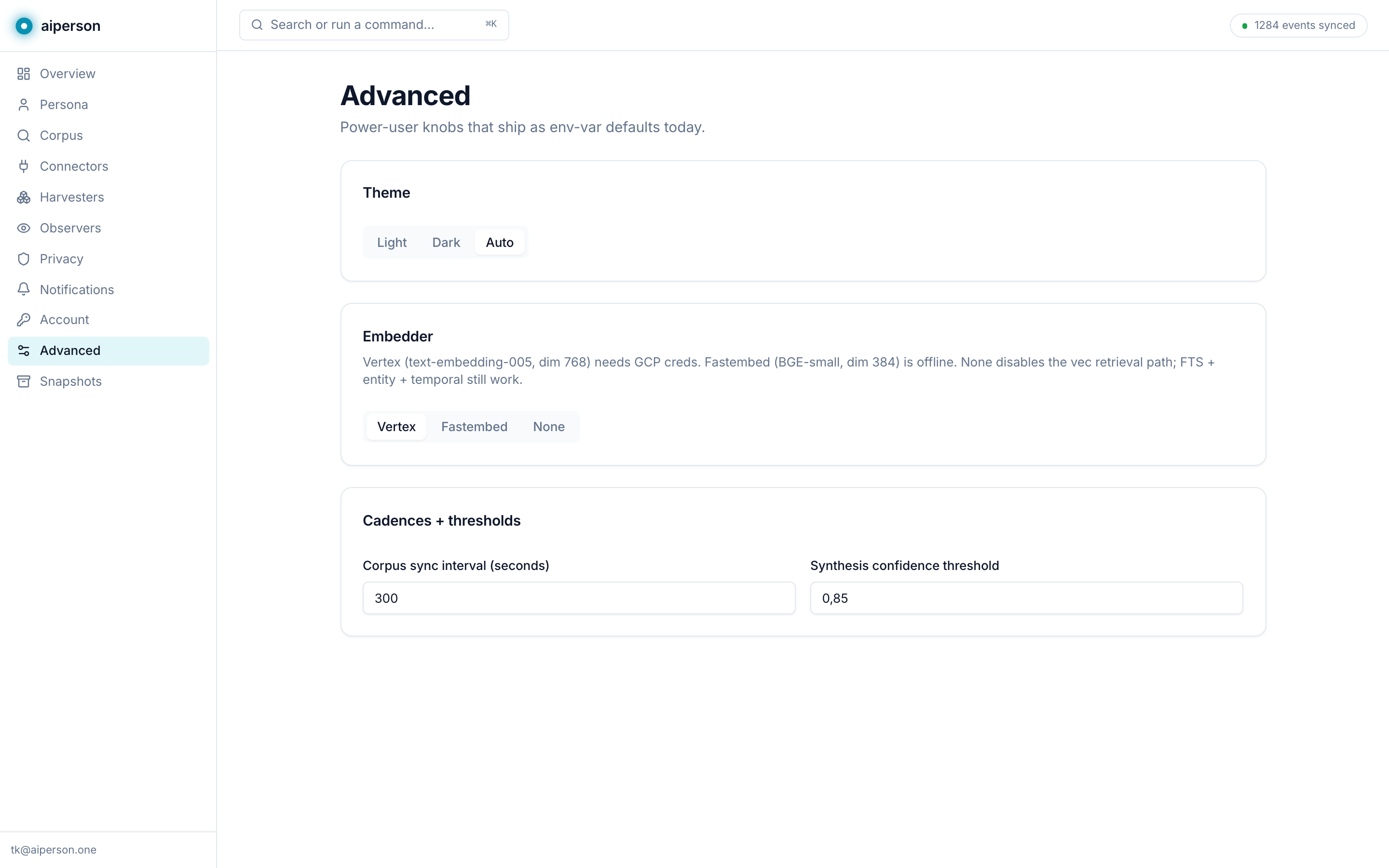
aiperson.one/dashboard is mission control. A live view of your corpus, an editor for your persona, and a settings surface for the knobs — embedder choice, sync cadence, notifications, per-tool toggles. Press ⌘K anywhere to jump.
Editors and CLIs — thirteen of them
personkit connect writes the
right file in the right place for each tool, and registers the MCP
server where the tool expects it. It's idempotent — run it again
anytime to re-sync. Here's a slice of what it writes:
## Who you're working with
Voice: warm-direct, en-GB, measured cadence.
Values: precision over verbosity; reversibility;
British English; confirm before irreversible ops.
Refuses: force-push to main; committing secrets.
<!-- aiperson:end -->
alwaysApply: true
---
# Your collaborator's persona
Voice: warm-direct, en-GB.
Conventions: numbered migrations; cyan accent;
comments only when the WHY is non-obvious.
Every wired surface, and the file it owns:
Claude Code
~/.claude/CLAUDE.md + settings.json
MCP + Stop hook
Cursor
.cursor/rules/dotperson.mdc
MCP + always-apply rule
VS Code (Copilot)
User/mcp.json + instructions
Native MCP
Windsurf
.windsurfrules
MCP + rules
Zed
assistant settings
Agent config
JetBrains AI
guidelines.md
Markdown rules
Continue.dev
.continue/rules
MCP + rules
Cline
.clinerules
Rules file
Aider
CONVENTIONS.md
Conventions
Augment
AGENTS.md
Agent guide
Antigravity
AGENTS.md
MCP + agent guide
Gemini CLI
GEMINI.md
Context file
In the browser — 21 cloud chat surfaces
The aiperson browser extension brings your persona into every major cloud chat surface — Western and Chinese frontier — that doesn't speak MCP. Open any of them, click the extension, and one click from the popup drops your persona into the prompt. Capture is enabled per surface in that same popup; once a surface is on, every turn (yours and the assistant's) is sent to the relay, which is what carries it to your other devices.
Chrome, Edge and Brave. Per-surface capture toggles, master kill switch, regex redactor, and traffic-light health dots all live in the popup. An in-page indicator shows when aiperson is recording — one click pauses for a single chat.
All twenty-one supported chat surfaces:
ChatGPT
OpenAI
Verified
Claude
Anthropic
Verified
Gemini
Verified
Microsoft Copilot
Microsoft
Verified
Grok
xAI
Verified
Meta AI
Meta
Verified
Perplexity
Perplexity
Verified
Mistral Le Chat
Mistral
Verified
HuggingChat
Hugging Face
Verified
Poe
Quora
Verified
Pi
Inflection
Verified
Lmarena
LMSYS
Verified
Kimi
Moonshot
Experimental — help us tune
DeepSeek
DeepSeek
Experimental — help us tune
Qwen / Tongyi
Alibaba
Experimental — help us tune
Doubao
ByteDance
Experimental — help us tune
ChatGLM
Zhipu
Experimental — help us tune
Wenxin (Ernie)
Baidu
Experimental — help us tune
Yi
01.ai
Experimental — help us tune
Hailuo
MiniMax
Experimental — help us tune
SenseChat
SenseTime
Experimental — help us tune
On the desktop — Quick Capture
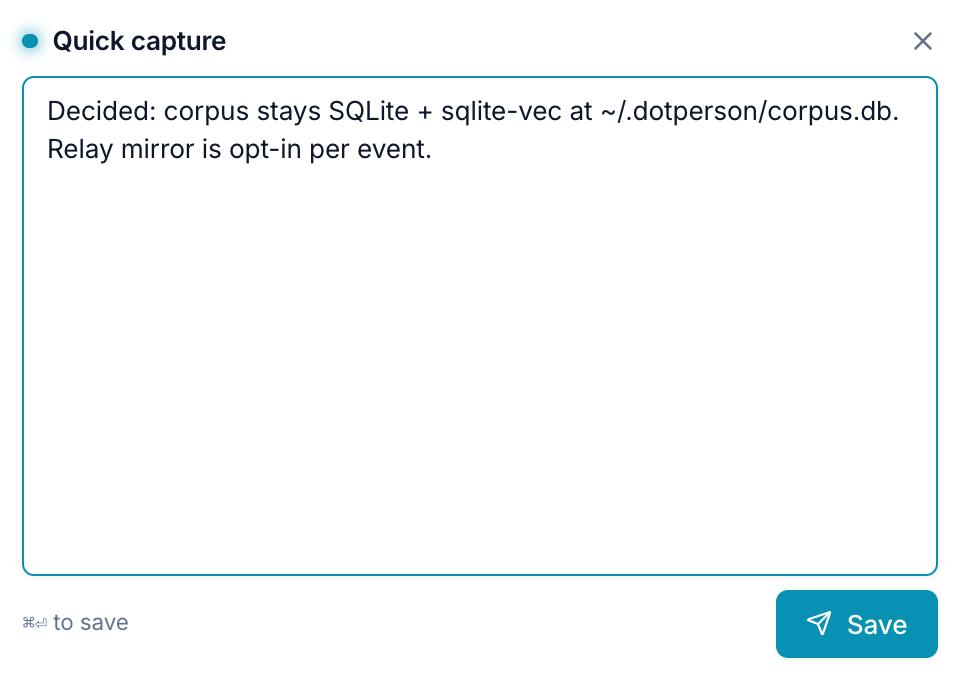
The desktop app sits in your menu bar. The main window is the dashboard; the real win is Quick Capture — a floating panel on a global hotkey (⌘⇧P) for dropping a thought, decision, or commitment straight into your corpus, from anywhere.
Where your data actually lives
aiperson is local-first. We host almost nothing.
my-persona.git
Your persona, in a private GitHub repo you own. Every change is a signed commit.
~/.dotperson/corpus.db
Your corpus, a SQLite file on your machine. The sync push only sends events the writing harvester marked mirrorable — configs, screenshots and ChatGPT imports never are.
signed snapshots
Export a portable, Ed25519-signed snapshot anytime. Secrets are redacted before anything is written.